
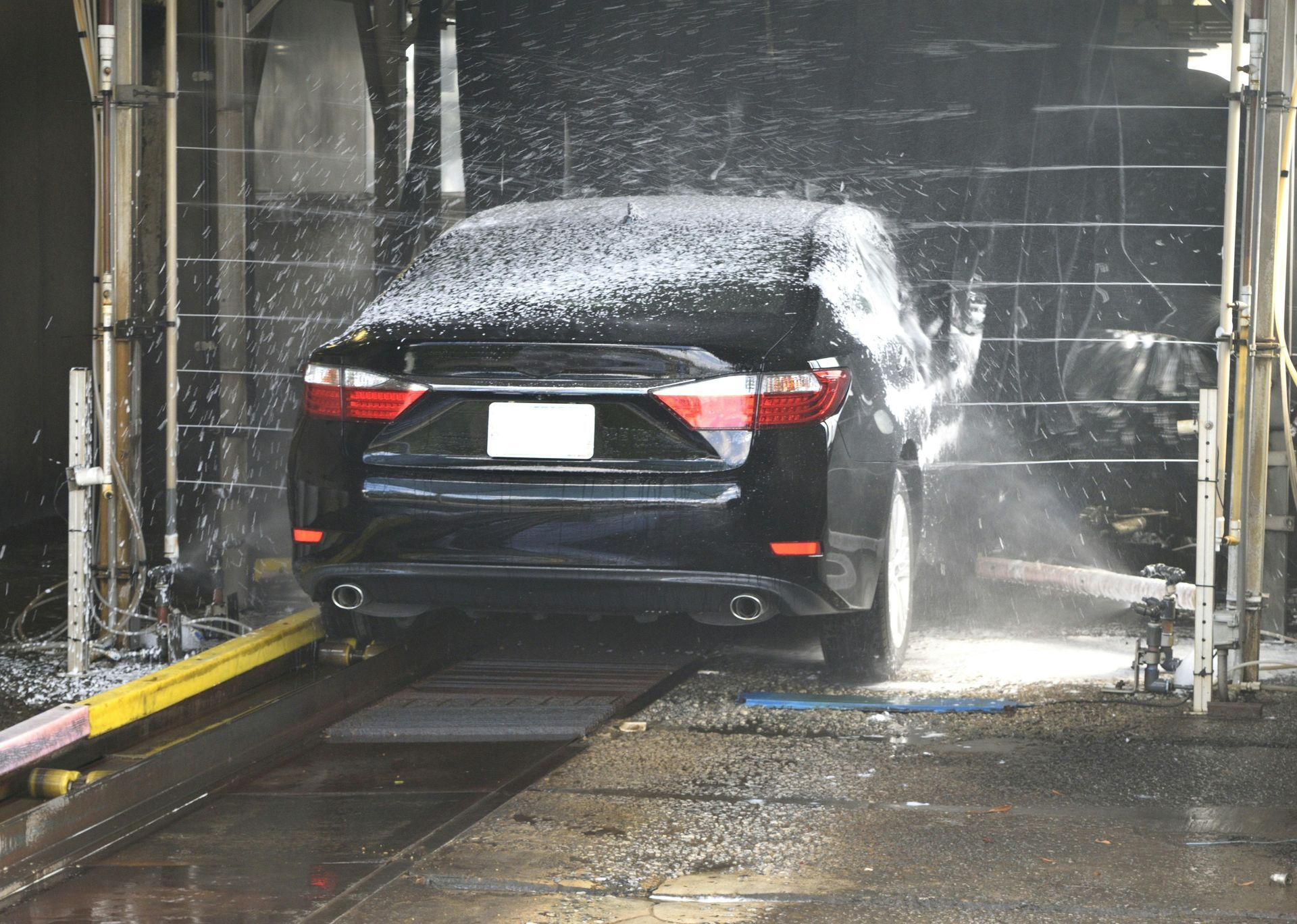
Welcomemat moved 27 car wash locations up 27.9% in map pack rankings in 90 days. Car wash marketing for touchless and brushless washes. Get a free audit.
Welcomemat moved 27 car wash locations up 27.9% in map pack rankings in 90 days. Car wash marketing for self-service and self-serve bays. Get a free audit.

Welcomemat moved 27 car wash locations up 27.9% in map pack rankings in 90 days. Car wash marketing for in-bay automatics, step by step. Get a free audit.
Learn how car wash operators turn Google Ads and Meta campaigns into new memberships from the quality score and retargeting to budget scaling and more.

Welcomemat Announces Educational Webinar on Turning Paid Advertising Into Car Wash Membership Growth
Welcomemat hosts webinar focused on car wash paid digital advertising and its role in driving new customers and recurring membership revenue.
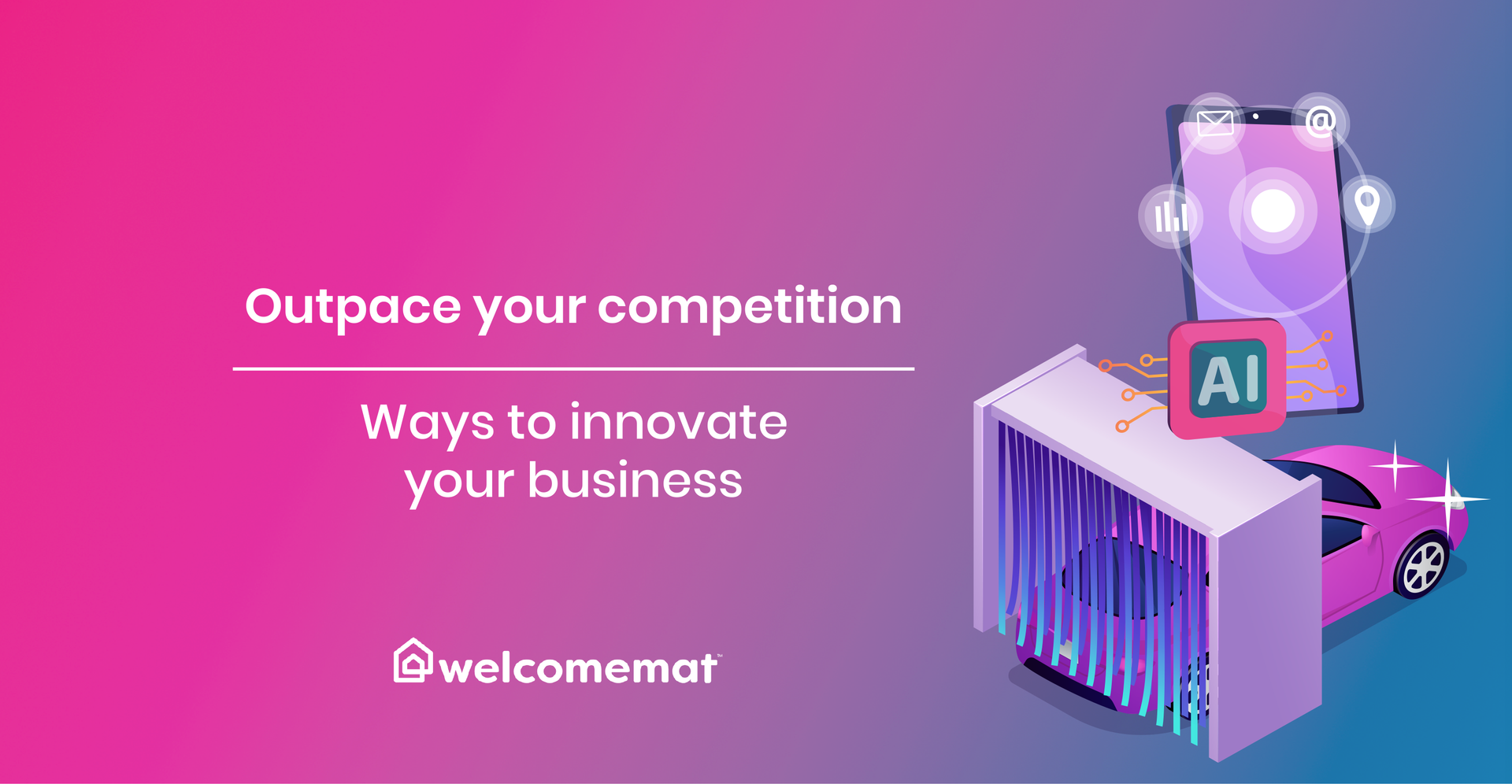
The car wash industry moves fast and staying still means falling behind. Innovation isn't just about technology, it's smarter thinking and execution.

Today’s top-performing car wash businesses are filtering out the noise and using focused, actionable data to fuel smarter marketing — not more confusion
Car wash memberships are the highest-margin revenue line. This guide covers acquisition, conversion, retention with data and playbooks operators are actually using.
As part of our dedication to improvement, we've added new updates the Self Serve GTX dashboard. This guide walks through the features currently available in the Self Service Platform. Use it to get familiar with recent updates to campaign stats, campaign creation, audience and email template management, and the new contact reachability tools. In this guide, you'll find: How to view detailed performance stats for any campaign How to edit a saved campaign without starting over How to manage audiences and email templates, including deleting ones you no longer need What the new contact reachability metrics mean and where to find them A few important behaviors to keep in mind when canceling or deleting campaigns 1. Viewing Campaign Stats 1.1 Quick Actions on the Stats Page Every campaign listed on the Stats Page now includes a row of quick-action icons, so you can view performance, launch, edit, cancel, or delete a campaign right from the list — no need to open each one individually.
Today's AI-powered search isn't simply ranking car wash websites. It's evaluating your entire digital presence to determine which businesses they trust to recommend.
